Understanding Oracle APEX 20 Application Development : Think Like an Application Express Developer
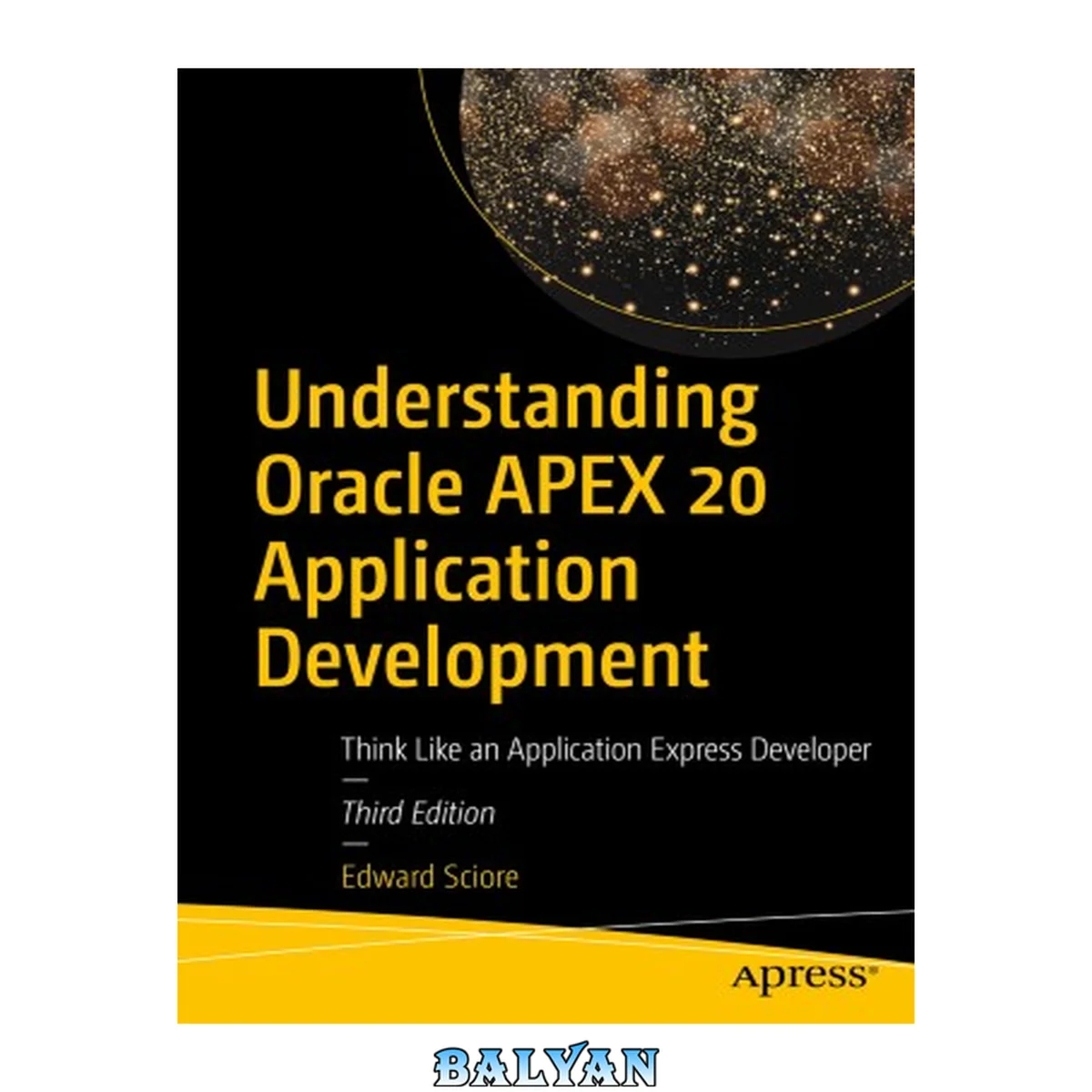
معرفی کتاب «Understanding Oracle APEX 20 Application Development : Think Like an Application Express Developer» نوشتهٔ Auerbach، Dathan و Edward Sciore، منتشرشده توسط نشر Apress : Imprint: Apress در سال 2020. این کتاب در فرمت pdf، زبان انگلیسی ارائه شده است.
This book shows developers and Oracle professionals how to build practical, non-trivial web applications using Oracle's rapid application development environment -- Application Express (APEX). This third edition is revised to cover the new features and user interface experience found in APEX 20. Interactive grids and form regions are two of the newer aspects of APEX covered in this edition. The book is targeted at those who are new to APEX and just beginning to develop real projects for deployment, as well as those who are familiar with APEX and want to understand it better. The book takes you through the development of a demo web application that illustrates the concepts all APEX programmers should know. This book introduces the world of APEX properties, explaining the functionality supported by each page component as well as the techniques developers use to achieve that functionaltiy. Topics include conditional formatting, user-customized reports, data entry forms, concurrency and lost updates, and security control. Specific attention is given in the book to the thought process involved in choosing and assembling APEX components and features to deliver a specific result. "Understanding Oracle APEX 20 application development, 3rd edition" is the ideal book to take you from an understanding of the individual pieces of APEX to an understanding of how those pieces are assembled into polished applications Table of Contents 5 About the Author 13 About the Technical Reviewer 14 Acknowledgments 15 Introduction 16 Chapter 1: The SQL Workshop 21 Downloading Tables 23 Object Browser 25 SQL Command Tool 29 Summary 32 Chapter 2: Applications and Pages 33 Creating an Application 33 Editing Application Properties 37 Deleting an Application 39 Running an Application Page 39 Running a Page from Within APEX 39 Running a Page from Outside APEX 42 Creating a New Page 42 Page Designer 45 Property Editor 48 Accessing Built-in Help 52 Summary 52 Chapter 3: Regions 53 Creating and Deleting Regions 54 Type-Independent Region Properties 55 Identification and Source Sections 56 Layout Section 59 Appearance Section 65 Drag and Drop 66 Static Content Regions 69 Formatted vs. Unformatted Text 70 Substitution Strings 73 Referring to APEX Pages 73 Referring to Local Images 74 Classic Report Regions 77 Column-Specific Properties 80 Identification 80 Column Heading 81 Column Layout 82 Sort Order 82 List of Values 83 Format Masks 84 Column Formatting 85 Link Columns 86 Conditional Formatting 88 Report-Specific Properties 89 Using the Source Query for Formatting 90 Chart Regions 91 Creating a Chart Region 93 Configuring a Chart 95 Configuring a Chart Series 95 Multi-Series Charts 98 Customizing a Chart 99 Interactive Report Regions 104 Using the Search Bar 106 Columns 108 Filter 109 Sort 110 Highlight 110 Rows Per Page 111 Chart 111 Configuring the Search Bar 113 Link Column 116 Summary 118 Chapter 4: Navigation 120 Lists 120 Viewing List Details 121 Editing List Entries 122 Creating New List Entries 124 Creating a New List 127 Modifying the Navigation Interface 128 Configuring the Navigation Menu 129 Configuring the Navigation Bar 131 List Regions 131 Hierarchical Lists 135 Mega Menus 141 Page Hierarchy 142 Breadcrumbs 144 Breadcrumb Regions 148 Global Page 149 Summary 149 Chapter 5: Items and Buttons 151 Items 151 Item Sampler Page 152 Creating and Deleting Items 155 Positioning an Item 159 Text-Based Items 160 Text Fields 161 Number Fields 161 Password Items 161 Text Fields with Autocomplete 161 Color Pickers 164 Date Pickers 164 Properties of All Text-Based Items 166 List-Based Items 168 Dynamic List–Based Items 170 Static List–Based Items 172 Multi-Value List Items 173 Yes/No Items 176 Display-Based Items 178 Initial Item Values 178 Buttons 180 Summary 184 Chapter 6: Session State 185 Session IDs 185 Submit vs. Redirect 186 Using an Item to Submit a Page 187 Redirect Can Set Session State 189 Referring to Session State Variables 190 Customized Reports 191 Filter by Job and Department Page 191 Filter by Possible Department Page 193 Filter by Salary Range Page 196 Master-Detail Reports 197 Chart Drill Down 200 Customized Titles and Labels 203 Cascading Lists 205 Conditional Rendering 208 Region Display Selectors 211 Summary 213 Chapter 7: Processes 215 Stages of a Submit Action 215 Creating a Process 216 PL/SQL to Access the Database 218 Delete Employee Region 220 Insert Employee Region 221 Update Employee Region 222 PL/SQL to Compute Values 224 Local Variables 228 Comments 228 Assignment Statements 228 Conditional Statements 228 Handling Multi-Row SQL Queries 229 Concurrent Database Updates 232 Lost Update Problem 232 Avoiding Lost Updates 234 Using a Hash Function 238 Success and Error Messages 240 Conditional Processes 242 Submitting via Items 242 Multiple-Use Processes 244 Page Rendering Processes 247 Executing a Process Without a Submit 249 Moving Between Regions 253 Finding Previous and Next Rows 253 Approach 1: Different Processes for Previous and Next 253 Approach 2: A Unified Previous/Next Process 255 Single Row Update 257 Implementing the Report Region 259 Implementing the Insert Region 259 Implementing the Update/Delete Region 260 Summary 263 Chapter 8: Data Validation 264 Constraint Preservation 264 Input Validation 269 Constraint Validations 276 Process Validation 277 Summary 278 Chapter 9: Branches 280 Separating Input from Output 280 Creating a Branch 283 Conditional Branching 285 Wizard-Like Interfaces 286 Implementing the Progress Bar 289 Basic Info Page 291 Manager Info Page 294 Hiredate Info Page 295 Confirm Employee Info Page 295 Summary 297 Chapter 10: Forms 298 Form Regions 298 Form Update 305 Updating Records 306 Clearing Session State 310 Inserting Records 312 Computations 315 Sending Email 317 Report with Form Pages 319 The Report Page 326 The Form Page 327 Customizing the Report and Form 329 Form Pages 330 Implementing the Tree Page 332 Implementing the Form Page 333 Master-Detail Forms 335 Summary 343 Chapter 11: Interactive Grids 344 Read-Only Interactive Grids 344 Editing Interactive Grids 348 Ensuring Consistency 354 Grid Validations 355 Restricting Interactive Grid Input 357 Grid Processes 360 Summary 365 Chapter 12: Dynamic SQL 366 Dynamic Reports 366 Dynamic Processes 372 Combining Dynamic Reports and Processes 378 Summary 382 Chapter 13: Security 384 Authentication 384 Managing Authentication Schemes 385 Writing an Authentication Function 389 Storing Username/Password Information 389 Adding User Accounts 391 Authenticating Users 393 Public Pages 394 Authorization 395 Creating an Authorization Scheme 395 Component Authorization 400 Page Authorization 401 Not Public User Scheme 403 Avoiding Malicious Use 404 SQL Injection 404 Cross-Site Scripting 412 Reject Inappropriate Data 417 Escape Data Before Saving It 418 Escape Data Before Displaying It 419 URL Modification 420 APEX URL Structure 420 GET vs. POST 422 Page Scanning 422 Item Modification 423 Guarding Against Item Modification 426 Summary 428 Index 429 This book shows developers and Oracle professionals how to build practical, non-trivial web applications using Oracle’s rapid application development environment – Application Express (APEX). This third edition Is revised to cover the new features and user interface experience found in APEX 20. Interactive grids and form regions are two of the newer aspects of APEX covered in this edition. The book is targeted at those who are new to APEX and just beginning to develop real projects for deployment, as well as those who are familiar with APEX and want a deeper understanding. The book takes you through the development of a demo web application that illustrates the concepts all APEX programmers should know. This book introduces the world of APEX properties, explaining the functionality supported by each page component as well as the techniques developers use to achieve that functionality. Topics include conditional formatting, user-customized reports, data entry forms, concurrency and lost updates, and security control. Specific attention is given in the book to the thought process involved in choosing and assembling APEX components and features to deliver a specific result. __**Understanding Oracle APEX 20 Application Development, 3rd Edition**__ is the ideal book to take you from an understanding of the individual pieces of APEX to an understanding of how those pieces are assembled into polished applications.**What You Will Learn** * Build attractive, highly functional web apps from the ground up * Enhance and customize pages created by the APEX wizards * Understand the security implications of page design * Write PL/SQL code for process activity and verification * Build complex components such as forms and interactive grids **Who This Book Is For**Developers new to APEX who desire a strong fundamental understanding of how APEX applications work. For existing developers and database administrators desiring to mine the most value from APEX by improving their development techniques. This book shows developers and Oracle professionals how to build practical, non-trivial web applications using Oracle’s rapid application development environment – Application Express (APEX). This third edition Is revised to cover the new features and user interface experience found in APEX 20. Interactive grids and form regions are two of the newer aspects of APEX covered in this edition. The book is targeted at those who are new to APEX and just beginning to develop real projects for deployment, as well as those who are familiar with APEX and want a deeper understanding. The book takes you through the development of a demo web application that illustrates the concepts all APEX programmers should know. This book introduces the world of APEX properties, explaining the functionality supported by each page component as well as the techniques developers use to achieve that functionality. Topics include conditional formatting, user-customized reports, data entry forms, concurrency and lost updates, and security control. Specific attention is given in the book to the thought process involved in choosing and assembling APEX components and features to deliver a specific result. Understanding Oracle APEX 20 Application Development, 3rd Edition is the ideal book to take you from an understanding of the individual pieces of APEX to an understanding of how those pieces are assembled into polished applications. What You Will Learn Build attractive, highly functional web apps from the ground up Enhance and customize pages created by the APEX wizards Understand the security implications of page design Write PL/SQL code for process activity and verification Build complex components such as forms and interactive grids Who This Book Is For Developers new to APEX who desire a strong fundamental understanding of how APEX applications work. For existing developers and database administrators desiring to mine the most value from APEX by improving their development techniques. Front Matter ....Pages i-xxiii The SQL Workshop (Edward Sciore)....Pages 1-12 Applications and Pages (Edward Sciore)....Pages 13-32 Regions (Edward Sciore)....Pages 33-99 Navigation (Edward Sciore)....Pages 101-131 Items and Buttons (Edward Sciore)....Pages 133-166 Session State (Edward Sciore)....Pages 167-196 Processes (Edward Sciore)....Pages 197-245 Data Validation (Edward Sciore)....Pages 247-262 Branches (Edward Sciore)....Pages 263-280 Forms (Edward Sciore)....Pages 281-326 Interactive Grids (Edward Sciore)....Pages 327-348 Dynamic SQL (Edward Sciore)....Pages 349-366 Security (Edward Sciore)....Pages 367-411 Back Matter ....Pages 413-418
دانلود کتاب Understanding Oracle APEX 20 Application Development : Think Like an Application Express Developer