SWIFT RECIPES FOR IOS DEVELOPERS : real-life code from apple app store apps
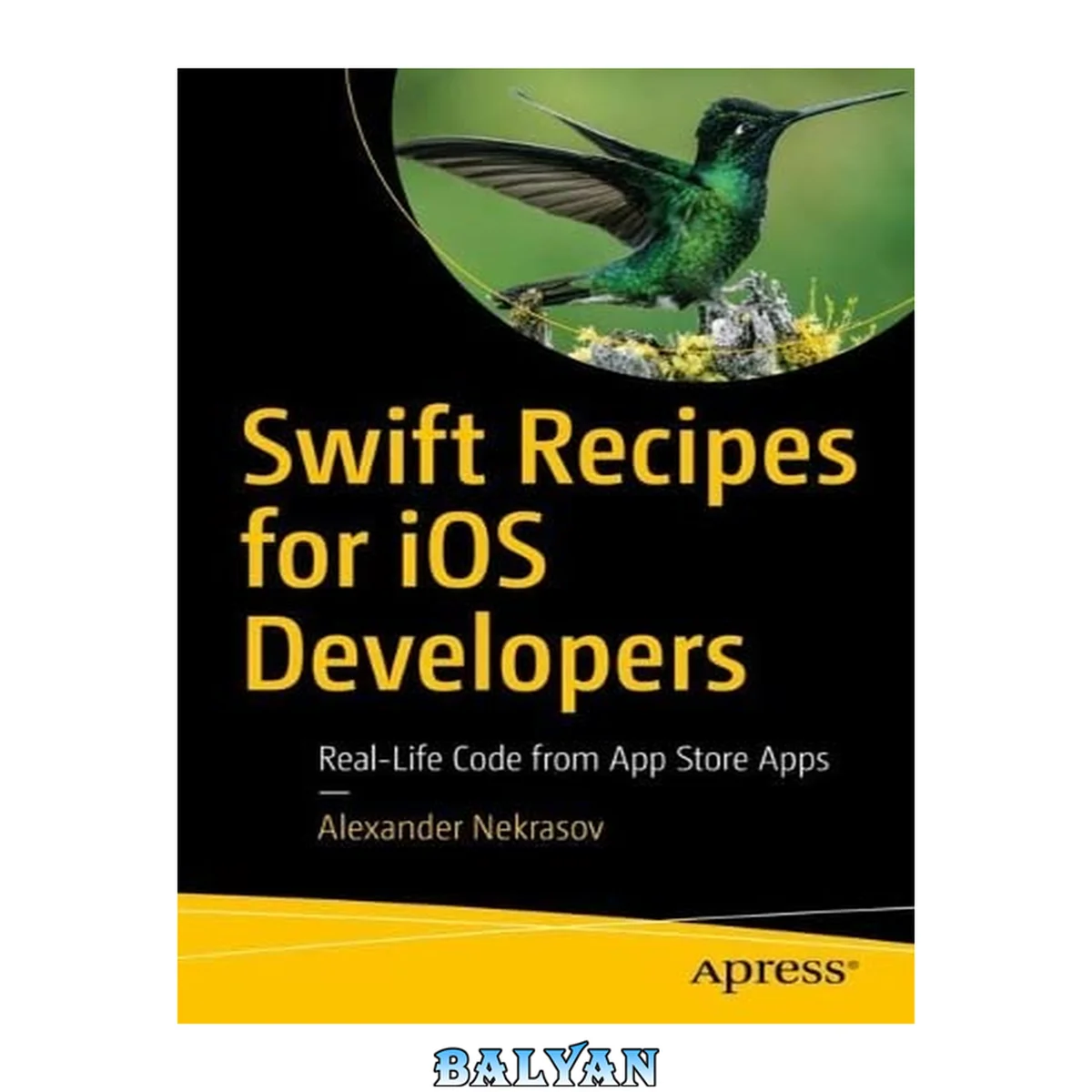
معرفی کتاب «SWIFT RECIPES FOR IOS DEVELOPERS : real-life code from apple app store apps» نوشتهٔ Israel Regardie و Alexander Nekrasov، منتشرشده توسط نشر Apress L. P. در سال 2022. این کتاب در فرمت pdf، زبان انگلیسی ارائه شده است.
Boost your iOS developer career by learning from real-life examples and start writing code for one of the most successful platforms ever. No matter if you’re an experienced developer or just a beginner, you’ll find something new and something useful for your future projects here. All of the recipes in this book are taken from real-life commercial projects that have been approved by Apple and published on the App Store. You won’t write “Hello, world!” and similar programs. Instead you'll see how to parse different data formats; run JavaScript code right inside your iOS app; and enhance storyboard editor with several simple extensions. You’ll make beautiful modern-looking dialogs with blurs, shadows and rounded corners using only a few lines of code, and safely convert data after analyzing text strings. Go on to animate your layout and get your app shored up to crash as little as possible Each recipe offers a code snippet to copy and paste to your project as a tool to boost your knowledge, as well as, create plug-and-play features. Each of recipe shows the description for each line of code while explaining the logic of it, contains references to documentation, and gives you an opportunity to modify or write something similar that fits your project better. A good piece of code should not work but also be short, clear, and stable. And that combo will be our priority in these code recipes. Well-written code snippets must run in any environment and be easily transferrable from one project to another. Most of the provided recipes will migrate from one project to another with little to no changes at all, and with years of real-world application have proven themselves to be useful and stable. Dive into the world of iOS development and write clear, functioning, and safe Swift code! What You'll LearnParse, convert, and print Swift data Develop stunning UIs quickly Write effective and portable Swift extensions Make your code cleaner and safer Who This Book Is ForBeginners in iOS development who want to improve their skills with real-life examples. Developers switching to mobile development from other areas. All iOS developers looking for code recipes. Table of Contents About the Author About the Technical Reviewer Acknowledgments How to Use This Book Chapter 1: Working with Data Conversion Between Data Types Safe Number Conversion Conversion from Number to String and Back Boolean Conversions String to Data and Back Dates, Timestamps, and ISO 8601 Format Extracting Data from Dictionaries and Arrays Complex Data Types Extracting Data from Dictionary Extracting Data from Array Summary Chapter 2: Working with JSON and Other Popular Formats How Devices Exchange Data What Are Serialization and Deserialization Working with JSON Parsing JSON to Dictionary or Array Generating JSON from Dictionary or Array Working with XML Parsing XML Generating XML Working with YAML URL-Encoded Strings Serialization and Deserialization Serializing an Object Deserializing an Object Coding Keys Using @propertyWrapper Unit Conversion Distance and Length Units Area Units Volume Units Weight Units Summary Chapter 3: Working with Strings Analyzing String Content First, Last, and Other Names Email Address Password Phone Number Gender Date of Birth Credit Card Information Base64 and Hex Encoding Base64 Encoding Hex Encoding MD5, SHA, and Other Hashes MD5 Hash SHA Hashes Hashable Protocol and Swift Hashes Salt Integer Indexing Localization NSLocalizedString Macro Files with Translations LocalizedStringKey Struct Syntactic Sugar Summary Chapter 4: UIKit and Storyboards Navigation Between App Screens Screens, Windows, and Views Navigation in iOS Apps Scenes Going Back Replacing Root View Modifying UINavigationController Stack Removing Elements from the Navigation Stack Returning the User to a Specific View Controller Popups and Dialogs Showing Alerts, Errors, and Warnings Asking General Questions Asking Questions with a One-Line String Answer Picking Date and Time What Is SnapKit? Date and Time Selector Popup Date and Time Inside the Bottom Sheet Maps and Navigation Showing Apple Map in an iOS App Showing Google Maps in an iOS App Dynamic Navigation Rounded Corners, Shadows, and Other Effects Rounded Corners, Content Cropping, and Borders Shadows UITextField Paddings UITextView placeholder Gradients Blurs Summary Chapter 5: Image Processing Reading and Writing Images Image Buffer File Formats Loading (Reading) Images from Files Saving (Writing) Images to Files Downloading and Caching Images Downloading Files Downloading Files with Alamofire Downloading Files with URLSession/URLRequest Turning Function with Completion Handler into an Asynchronous One Caching Files in Memory Caching Files in Filesystem Obtaining Directory Paths Saving Files to Cache Verifying Cache Size Resizing and Cropping Image Scaling Image Cropping Preparing and Showing Profile Pictures Processing Profile Pictures Before Uploading Showing Profile Pictures Image Masks Merging Images Applying Mask Effects and Filters CoreImage GPUImage GIF Animations AnimatedImageView from Kingfisher SwiftyGif Summary Chapter 6: Text Editing Analyzing User Input in Real Time Formatting User Input Formatting Phone Numbers Formatting Bank Card Numbers Working with Emojis Detecting Emojis in Strings Blocking Emoji from User Input Floating Prefix or Suffix Adding Prefix Adding Suffix Keyboard Handling Hiding the Keyboard When the User Clicks the Outside Text Field Hiding the Keyboard in Scrollable Areas Hiding the Keyboard When the User Leaves the Screen Changing Your Layout When the Keyboard Appears Scrolling to Show Current Text Field Pin Pad UI Component Summary Chapter 7: UI Animation and Effects Animating Views Animating UIView’s Own Properties Animating Layout by Changing Constraints Restrictions Animating Layout When Keyboard Appears Parallax Effect Parallax Header with UIScrollView Preparing User Interface Parallax Functionality Parallax Header with UITableView and UICollectionView Hero Animation Hero Animation Within the Same UIViewController Create and Show UIView Calculate Transformation Apply Transformation Hide Source UIView and Show Destination UIView Animate Final Code Hero Flying to a New UIViewController Getting and Using UIWindow Details Transition Between Screens Standard Transitions Creating a Custom Transition Transition Libraries Summary Chapter 8: SwiftUI Basic Overview of SwiftUI Basic App Building Blocks Modifying Controls Compositions Inserting UIKit Components Creating a SwiftUI Component from a UIKit Component Example with Custom Label Applying Styles with ViewModifier Creating a ViewModifier Chaining Modifiers in SwiftUI HeaderText without UIKit Creating Custom Views Drawing on a Canvas Component State Data Binding Summary Index Пустая страница Boost your iOS developer career by learning from real-life examples and start writing code for one of the most successful platforms ever. No matter if you’re an experienced developer or just a beginner, you’ll find something new and something useful for your future projects here. All of the recipes in this book are taken from real-life commercial projects that have been approved by Apple and published on the App Store. You won’t write “Hello, world!” and similar programs. Instead you'll see how to parse different data formats; run JavaScript code right inside your iOS app; and enhance storyboard editor with several simple extensions. You’ll make beautiful modern-looking dialogs with blurs, shadows and rounded corners using only a few lines of code, and safely convert data after analyzing text strings. Go on to animate your layout and get your app shored up to crash as little as possible Each recipe offers a code snippet to copy and paste to your project as a tool to boost your knowledge, as well as, create plug-and-play features. Each of recipe shows the description for each line of code while explaining the logic of it, contains references to documentation, and gives you an opportunity to modify or write something similar that fits your project better. A good piece of code should not work but also be short, clear, and stable. And that combo will be our priority in these code recipes. Well-written code snippets must run in any environment and be easily transferrable from one project to another. Most of the provided recipes will migrate from one project to another with little to no changes at all, and with years of real-world application have proven themselves to be useful and stable. Dive into the world of iOS development and write clear, functioning, and safe Swift code! What You'll Learn Parse, convert, and print Swift data Develop stunning UIs quickly Write effective and portable Swift extensions Make your code cleaner and safer Who This Book Is For Beginners in iOS development who want to improve their skills with real-life examples. Developers switching to mobile development from other areas. All iOS developers looking for code recipes. Boost your iOS developer career by learning from real-life examples and start writing code for one of the most successful platforms ever. No matter if you're an experienced developer or just a beginner, you'll find something new and something useful for your future projects here. All of the recipes in this book are taken from real-life commercial projects that have been approved by Apple and published on the App Store. You won't write “Hello, world!” and similar programs. Instead you'll see how to parse different data formats; run JavaScript code right inside your iOS app; and enhance storyboard editor with several simple extensions. You'll make beautiful modern-looking dialogs with blurs, shadows and rounded corners using only a few lines of code, and safely convert data after analyzing text strings. Go on to animate your layout and get your app shored up to crash as little as possible Each recipe offers a code snippet to copy and paste to your project as a tool to boost your knowledge, as well as, create plug-and-play features. Each of recipe shows the description for each line of code while explaining the logic of it, contains references to documentation, and gives you an opportunity to modify or write something similar that fits your project better. A good piece of code should not work but also be short, clear, and stable. And that combo will be our priority in these code recipes. Well-written code snippets must run in any environment and be easily transferrable from one project to another. Most of the provided recipes will migrate from one project to another with little to no changes at all, and with years of real-world application have proven themselves to be useful and stable. Dive into the world of iOS development and write clear, functioning, and safe Swift code! You will: Parse, convert, and print Swift data Develop stunning UIs quickly Write effective and portable Swift extensions Make your code cleaner and safer "Boost your iOS developer career by learning from real-life examples and start writing code for one of the most successful platforms ever. No matter if you’re an experienced developer or just a beginner, you’ll find something new and something useful for your future projects here. All of the recipes in this book are taken from real-life commercial projects that have been approved by Apple and published on the App Store. You won’t write “Hello, world!” and similar programs. Instead you'll see how to parse different data formats; run JavaScript code right inside your iOS app; and enhance storyboard editor with several simple extensions. You’ll make beautiful modern-looking dialogs with blurs, shadows and rounded corners using only a few lines of code, and safely convert data after analyzing text strings. Go on to animate your layout and get your app shored up to crash as little as possible. Each recipe offers a code snippet to copy and paste to your project as a tool to boost your knowledge, as well as, create plug-and-play features. Each of recipe shows the description for each line of code while explaining the logic of it, contains references to documentation, and gives you an opportunity to modify or write something similar that fits your project better. A good piece of code should not work but also be short, clear, and stable. And that combo will be our priority in these code recipes. Well-written code snippets must run in any environment and be easily transferrable from one project to another. Most of the provided recipes will migrate from one project to another with little to no changes at all, and with years of real-world application have proven themselves to be useful and stable. Dive into the world of iOS development and write clear, functioning, and safe Swift code!"-- Amazon
دانلود کتاب SWIFT RECIPES FOR IOS DEVELOPERS : real-life code from apple app store apps