Raspberry Pi retro gaming : build handhelds, consoles, and arcade cabinets to play your favorite classic games
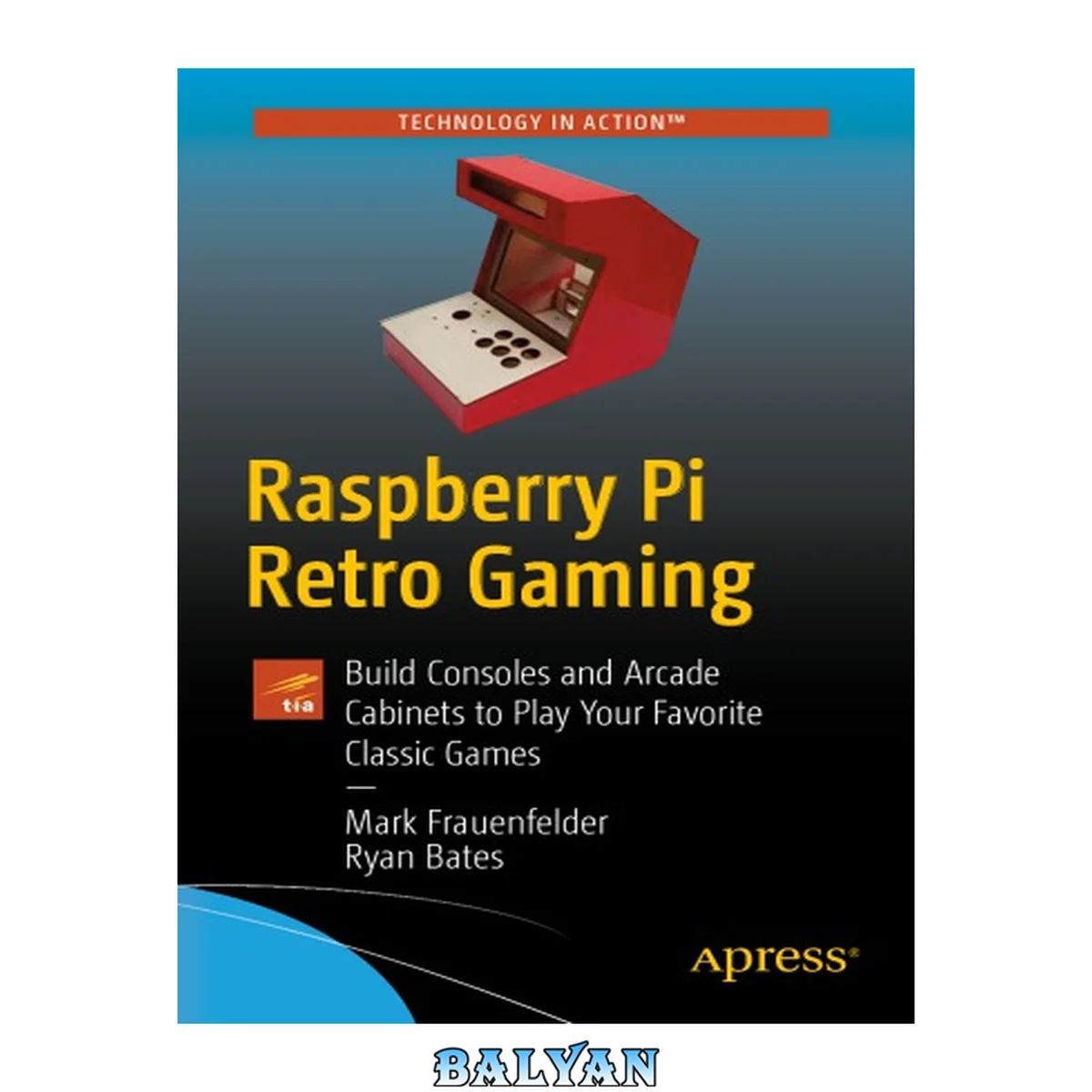
معرفی کتاب «Raspberry Pi retro gaming : build handhelds, consoles, and arcade cabinets to play your favorite classic games» نوشتهٔ Chimamanda Ngozi Adichie، Scheherezade Surià و Bates, Ryan; Frauenfelder, Mark، منتشرشده توسط نشر Apress در سال 2019. این کتاب در فرمت pdf، زبان انگلیسی ارائه شده است.
**Learn to configure a Raspberry Pi into multiple different devices capable of playing retro games. Beyond theory, this book focuses heavily on projects--such as making a console to attach to a TV or computer display****and making a tabletop arcade machine. It also teaches you how to install and use the Kodi media center on your retro game player.****tart with the big-picture of the Raspberry Pi retro-gaming landscape and the wide range of exciting project opportunities that exist. You'll then discover the various retro-gaming emulation platforms, such as RetroPie and Recalbox, and how to****ROM files. This book even goes a step further and teaches you how to create game ROMs from your old cartridges! You'll also study the types of game playing equipment people have made using Raspberry Pis and how to set up a Raspberry Pi with those devices.****Retro-gaming enthusiasts are using the Pi to make a dizzying variety of game playing hardware. There are players that fit in an Altoids mint tin, players that look like classic systems, and players that let you choose from over 20,000 game titles. And there are emulators for every platform imaginable, and many models available online to download and make on a 3D printer or laser cutter.__Raspberry Pi Retro Gaming__includes everything you need to know about playing retro games on a Raspberry Pi and making cool machines that play thousands of retrogames.****What You'll Learn**Use Tinkercad to design your own casesGet your case 3D printed if you don't have a 3D printerDesign parts for laser cutting or jigsaw cuttingSolder and use electronics components, batteries, and power suppliesSelect and set up different kinds of displays**Who This Book Is For**Anyone interested in playing retrocomputer games and making their own retro-game players. Table of Contents......Page 4 About the Authors......Page 9 What’s in This Book......Page 10 Chapter 1: The World of Raspberry Pi Retro Gaming......Page 12 Tennis for Two: 1958......Page 19 Spacewar!: 1962......Page 22 Computer Space: 1971......Page 25 Magnavox Odyssey: 1972......Page 26 Video Games Go Mainstream: 1970s–1990s......Page 27 The Raspberry Pi Retro Gaming Community......Page 28 Let’s Talk About ROMs......Page 30 Summary......Page 34 Chapter 2: Setting Up the Raspberry Pi for Retro Gaming......Page 35 Raspberry Pi: The Nuts and Bolts......Page 37 Keeping Things Cool......Page 39 A Bare-Bones Retro Gaming Setup......Page 41 Installing RetroPie onto Your Raspberry Pi......Page 44 Installing Your First Rom......Page 55 Installing DOSBox on RetroPie......Page 56 Installing Rogue on RetroPie......Page 58 Option 1: USB Memory Stick......Page 59 Option 2: Network Transfer......Page 61 Network Transfer on a Mac......Page 62 Network Transfer on a Windows Computer......Page 65 Summary......Page 66 The Bare Minimum You Need to Start Playing Games......Page 67 RetroPie Basics......Page 68 Audio......Page 69 Bluetooth......Page 71 Installing and Using Overlays......Page 72 Using Shaders and Scan Lines......Page 75 ES Themes......Page 76 File Manager......Page 78 RetroArch......Page 79 RetroArch Net Play......Page 80 Basic Install......Page 81 Manage Packages......Page 82 Manage Optional Packages......Page 83 Manage Driver Packages......Page 84 Update RetroPie-Setup Script......Page 85 Run Command Configuration......Page 86 Splash Screens......Page 88 Backing Up Your RetroPie SD Card......Page 90 Backing Up on a Mac......Page 91 Installing a Backup Image onto a MicroSD Card......Page 92 Scraping......Page 93 Saving Game States......Page 95 Shutting Down Your Pi, Rebooting, or Quitting EmulationStation......Page 96 Summary......Page 97 Common Enclosures......Page 98 The Official Solution......Page 101 An Industrial Feel......Page 103 3D Printed Case......Page 106 Thinking Out of the Box......Page 107 Themed Cases......Page 110 Build Your Own......Page 122 Gathering Supplies......Page 123 Console Surgery......Page 125 Final Thoughts......Page 142 Summary......Page 143 CAD Overview......Page 144 Wood Selection......Page 149 Component Selection......Page 152 Design Pre-planning......Page 154 Arcade Hardware......Page 157 Translating Design Ideas into CAD......Page 169 2D to 3D Layout and Planning......Page 171 LCD Mount Design......Page 175 Control Panel Features......Page 178 Design Review......Page 185 Wood Cabinet Assembly......Page 190 Preparing for Painting......Page 210 Summary......Page 216 Installing the LCD......Page 217 Subsystems and Subassemblies......Page 225 Control Panel Assembly......Page 234 Powering Wiring......Page 252 What’s in a Quality Part?......Page 259 Connect an HDMI Cable......Page 262 Ground Loop Fixes in Audio......Page 264 Buttoning Up......Page 267 Animated LED Marquee......Page 270 Battery Powered......Page 272 Neo Pixel LED Lighting......Page 275 Keyboard for a Joystick......Page 278 Summary......Page 283 Chapter 7: Build a Desktop RetroPie Arcade......Page 284 Monitor Selection......Page 285 Monitor Teardown and Measuring......Page 286 Desktop Arcade Features......Page 295 Body Assembly......Page 301 Reinforce Cabinet Body......Page 310 Sand, Paint, Repeat......Page 313 Mounting the Monitor......Page 316 Marquee Button Panel......Page 323 Control Panel Assembly......Page 324 Control Panel Wiring......Page 326 AC Wiring......Page 331 DC Wiring......Page 342 Audio and Video Wiring......Page 347 Exterior Artwork and Final Touches......Page 351 Cost Breakdown and Bill of Materials......Page 356 Summary......Page 360 Index......Page 361 Learn to configure a Raspberry Pi into multiple different devices capable of playing retro games. Beyond theory, this book focuses heavily on projects—such as making a console to attach to a TV or computer display and making a tabletop arcade machine. It also teaches you how to install and use the Kodi media center on your retro game player. tart with the big-picture of the Raspberry Pi retro-gaming landscape and the wide range of exciting project opportunities that exist. You'll then discover the various retro-gaming emulation platforms, such as RetroPie and Recalbox, and how to work with ROM files. This book even goes a step further and teaches you how to create game ROMs from your old cartridges! You’ll also study the types of game playing equipment people have made using Raspberry Pis and how to set up a Raspberry Pi with those devices. Retro-gaming enthusiasts are using the Pi to make a dizzying variety of game playing hardware. There are players that fit in an Altoids mint tin, players that look like classic systems, and players that let you choose from over 20,000 game titles. And there are emulators for every platform imaginable, and many models available online to download and make on a 3D printer or laser cutter. Raspberry Pi Retro Gaming includes everything you need to know about playing retro games on a Raspberry Pi and making cool machines that play thousands of retrogames. What You'll Learn Use Tinkercad to design your own cases Get your case 3D printed if you don’t have a 3D printer Design parts for laser cutting or jigsaw cutting Solder and use electronics components, batteries, and power supplies Select and set up different kinds of displays Who This Book Is For Anyone interested in playing retrocomputer games and making their own retro-game players. Learn to configure a Raspberry Pi into multiple different devices capable of playing retro games. Beyond theory, this book focuses heavily on projects-such as making a console to attach to a TV or computer display and making a tabletop arcade machine. It also teaches you how to install and use the Kodi media center on your retro game player. Start with the big-picture of the Raspberry Pi retro-gaming landscape and the wide range of exciting project opportunities that exist. You'll then discover the various retro-gaming emulation platforms, such as RetroPie and Recalbox, and how to work with ROM files. This book even goes a step further and teaches you how to create game ROMs from your old cartridges! You'll also study the types of game playing equipment people have made using Raspberry Pis and how to set up a Raspberry Pi with those devices. Retro-gaming enthusiasts are using the Pi to make a dizzying variety of game playing hardware. There are players that fit in an Altoids mint tin, players that look like classic systems, and players that let you choose from over 20,000 game titles. And there are emulators for every platform imaginable, and many models available online to download and make on a 3D printer or laser cutter. Raspberry Pi Retro Gaming includes everything you need to know about playing retro games on a Raspberry Pi and making cool machines that play thousands of retrogames
دانلود کتاب Raspberry Pi retro gaming : build handhelds, consoles, and arcade cabinets to play your favorite classic games