Processing for Visual Artists : How to Create Expressive Images and Interactive Art
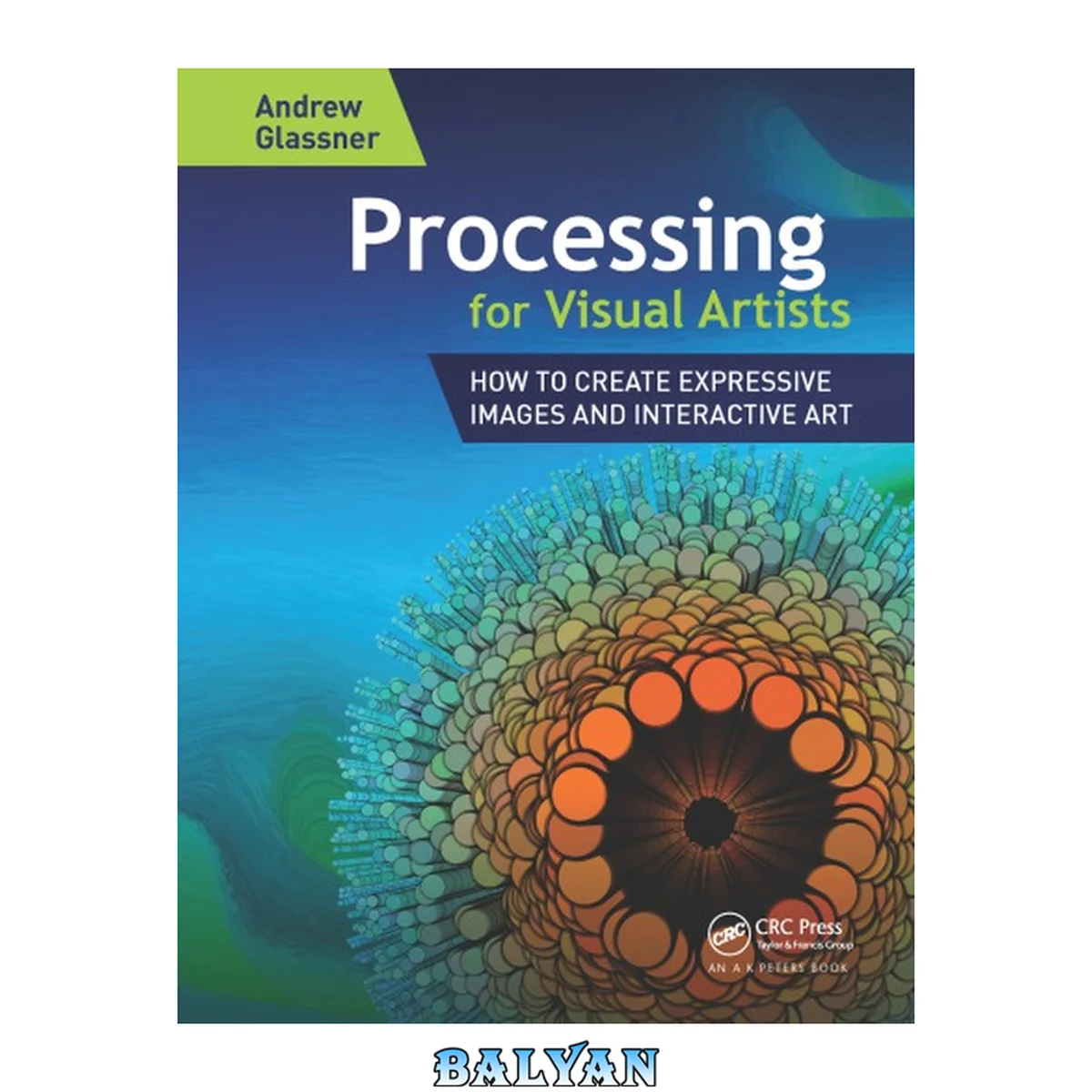
معرفی کتاب «Processing for Visual Artists : How to Create Expressive Images and Interactive Art» نوشتهٔ S.J. Tilly و Glassner, Andrew، منتشرشده توسط نشر A K Peters/CRC Press در سال 2018. این کتاب در فرمت pdf، زبان انگلیسی ارائه شده است.
Learn how to create gorgeous and expressive imagery with the Processing graphics language and environment. It's easy with this practical, hands-on book. Processing is for artists, designers, visualization creators, hobbyists, or anyone else looking to create images, animation, and interactive pieces for art, education, science, or business. Processing for Visual Artists shows you everything you need to know in a friendly, project-based style designed for visual thinkers. The projects can serve as a starting point for your own original, creative development and exploration. Walk with veteran author Andrew Glassner on a journey of shared discovery as he uses Processing to take each project from inspiration to reality. You'll closely follow every step he takes and see exactly how each piece evolves, including the big and small mistakes he's made along the way (and how to fix them!), and the times when he changed direction. As your knowledge and skills grow and develop, you'll understand why Processing is such a powerful tool for self-expression. And you'll be ready to strike off on your own. Processing offers you a 21st-century medium for expressing new kinds of ideas and engaging audiences in new ways. This book gives you everything you need to know to explore new frontiers in your own images, animations, and interactive experiences. Source code for each chapter is available for free download on the book's description at the crcpress website. Cover......Page 1 Half Title......Page 2 Title Page......Page 4 Copyright Page......Page 5 Contents......Page 8 Preface......Page 14 1 Overview......Page 18 1.1 What Is Processing?......Page 19 1.2 Experiment Freely!......Page 20 1.3 Planning......Page 24 1.4 Commenting......Page 25 1.5 Entering Programs......Page 26 1.6 Programmingas Expression......Page 27 2 Setting Up and Getting Started......Page 30 2.1 Hello, World!......Page 31 2.2 Debugging......Page 34 2.3 Working With Processing......Page 37 3 Basic Ideas: Variables......Page 40 3.1 Naming Things......Page 41 3.2 Types......Page 43 3.3 Using = for Assignment......Page 51 3.4 Semicolons and Errors......Page 52 3.5 Comments and Printing......Page 54 4 Functions and Tests......Page 60 4.1 Writing Functions......Page 62 4.2 setup() and draw()......Page 65 4.3 Curly Braces......Page 68 4.4 Integer Division......Page 69 4.5 Combined Operators......Page 71 4.6 Startinga Program......Page 75 4.7 Animation and Global Variables......Page 78 4.8 If Statements......Page 82 4.10 Switch......Page 91 4.11 Speed and Control......Page 96 5 Color......Page 100 5.1 Function Overloading......Page 105 5.2 Defining Colors......Page 108 5.3 HSB Colors......Page 109 6 Graphics Primitives......Page 118 6.1 Naming Points......Page 120 6.2 Basic Shapes......Page 121 6.3 Graphics State......Page 133 6.4 Irregular Shapes......Page 139 6.5 Graphics Windows......Page 145 7 Human Input......Page 148 7.1 Interpolation......Page 152 7.2 Mouse Buttons......Page 161 7.3 The Keyboard......Page 168 7.4 A Simple Game......Page 170 8 Loops and Transparency......Page 176 8.1 Loops......Page 181 8.2 Transparency......Page 191 9 Transformations......Page 196 9.1 Understanding Transformations......Page 200 9.2 Accumulating Transformations......Page 203 9.3 Order Matters......Page 206 9.4 Nested Transformations......Page 209 10 Recursion......Page 218 10.1 Recursive Teacups......Page 219 10.2 Extending the Teacups......Page 232 10.3 Drawing Boxes within Boxes......Page 233 11 Randomness and Arrays......Page 240 11.1 Random Numbers......Page 241 11.2 Arrays......Page 249 11.3 Manipulating Arrays......Page 259 11.4 Deletingan Array Entry......Page 265 11.5 Noise......Page 269 12 Catmull-Rom Curves......Page 286 12.1 Knots and Control Points......Page 287 12.2 Catmull-Rom Curves......Page 291 12.3 Assembling Curves......Page 298 12.4 Curves from Vertices......Page 305 12.5 Tightening Curves......Page 308 12.6 Working with Curves......Page 312 12.7 Tangents and Normals......Page 314 12.8 Finding a Point on a Curve......Page 319 13.1 Bezier Curves......Page 330 13.2 Reading Code......Page 349 13.3 Offset Bezier Curves......Page 354 13.4 Finding a Point......Page 356 13.5 Moving Curves Around......Page 357 14 Objects......Page 358 14.1 Objects and Methods......Page 359 14.2 Multiple Instances......Page 370 14.3 Object Methods......Page 374 14.4 Moving Disks......Page 378 14.5 Using this......Page 388 14.6 Controlling Access......Page 390 14.7 Some Projects......Page 393 14.8 Managing Memory......Page 394 14.9 Objects and Arrays......Page 409 15 Fall Leaves......Page 412 15.2 PVector Object......Page 414 15.3 Drawing a Leaf......Page 418 15.4 More Fun with Leaves......Page 461 15.5 Pointillism Leaves......Page 463 16.1 2D Arrays......Page 474 16.2 Displaying Images......Page 479 16.3 The Pixel Array......Page 487 16.4 Image Manipulation......Page 500 16.5 Applying Texture......Page 511 16.6 SVG Objects......Page 516 17 Working with Files......Page 520 17.1 Digitizing......Page 524 17.2 Cleanup......Page 536 17.3 Final Display......Page 542 17.4 More File Options......Page 546 17.5 Extending the Project......Page 552 18 Creating Patterns......Page 554 18.1 Plotting a Function......Page 558 18.2 Building Blocks......Page 562 18.3 About Pattern-Making Functions......Page 572 18.4 Finding Angles......Page 574 18.5 Blending with Cosine......Page 576 18.6 Building Patterns......Page 581 18.7 Pattern Shaping......Page 590 18.8 Circle Packing......Page 600 19 An Action Lamp......Page 622 19.1 Bell Curves......Page 636 19.2 A Blobbier Lamp......Page 646 19.3 Optimization......Page 648 19.4 Building the Lamp......Page 657 19.5 Subclasses......Page 663 19.6 Ascending Blobs......Page 679 19.7 Personalizing Your Lamp......Page 694 20.1 Strings......Page 696 20.2 Showing Strings......Page 703 21 3D......Page 726 21.1 3D Objects......Page 731 21.2 Making Shapes in 3D......Page 751 21.3 Controlling 3D......Page 758 21.4 3D Camera......Page 760 21.5 3D Lights......Page 762 21.6 Materials......Page 768 21.7 Other 3D Tools......Page 772 21.8 Greebles......Page 773 22.1 Pushand Pop Styles......Page 788 22.2 Libraries......Page 789 22.3 Time and Date......Page 794 22.5 Window Wraparound......Page 795 22.6 Debugging......Page 801 22.7 Types and Type Conversion......Page 806 22.8 Offscreen Drawing......Page 809 22.9 Reading and Writing Modes......Page 829 22.10 Blurring......Page 830 22.11 Web Applets......Page 835 22.13 Gotchas......Page 839 22.14 Going Beyond......Page 842 23 Projects......Page 844 23.1 Stacked Contours......Page 845 23.2 Crystal Towers......Page 849 23.3 Skyline......Page 854 23.4 Neon Sign......Page 861 23.5 Streams......Page 869 23.6 Puppet Show......Page 873 23.7 Spooky Plants......Page 880 24.1 Tackling a Project......Page 888 24.2 Organizing a Project......Page 889 24.3 Project 1: Sandstorm......Page 891 24.4 Project 2: Postcards from Another Planet......Page 903 A: Keywords......Page 928 A.1 Alphabetical Listing......Page 929 A.2 Listing by Function......Page 938 A.3 Object Methods......Page 947 Index......Page 950 Walk with veteran author Andrew Glassner; see exactly how each of his pieces evolves, including the mistakes he's made along the way (and how to fix them!), and the times when he changed direction. As your knowledge and skills grow, you'll understand why Processing is such a powerful tool for self-expression. It offers a 21st-century medium for expressing new ideas. This book gives you everything you need to know to explore new frontiers in your own images, animations, and interactive experiences. "Andrew Glassner has written an extremely important book that will be of great benefit to artists from all disciplines who, now more than ever, need to understand how to creatively engage in programming the technologies they use. A wonderful and clearly written book!"--Dr. Ron Burnett, RCA, President and Vice-Chancellor, Emily Carr University of Art and Design Processing is an accessible language even to non-programmers, including artists, designers, researchers, hobbyists, or anyone else looking to create images, animation, and interactions. This title demonstrates how to create gorgeous and expressive imagery with the Processing programming language and environment.
دانلود کتاب Processing for Visual Artists : How to Create Expressive Images and Interactive Art