Practical Vaadin : Developing Web Applications in Java
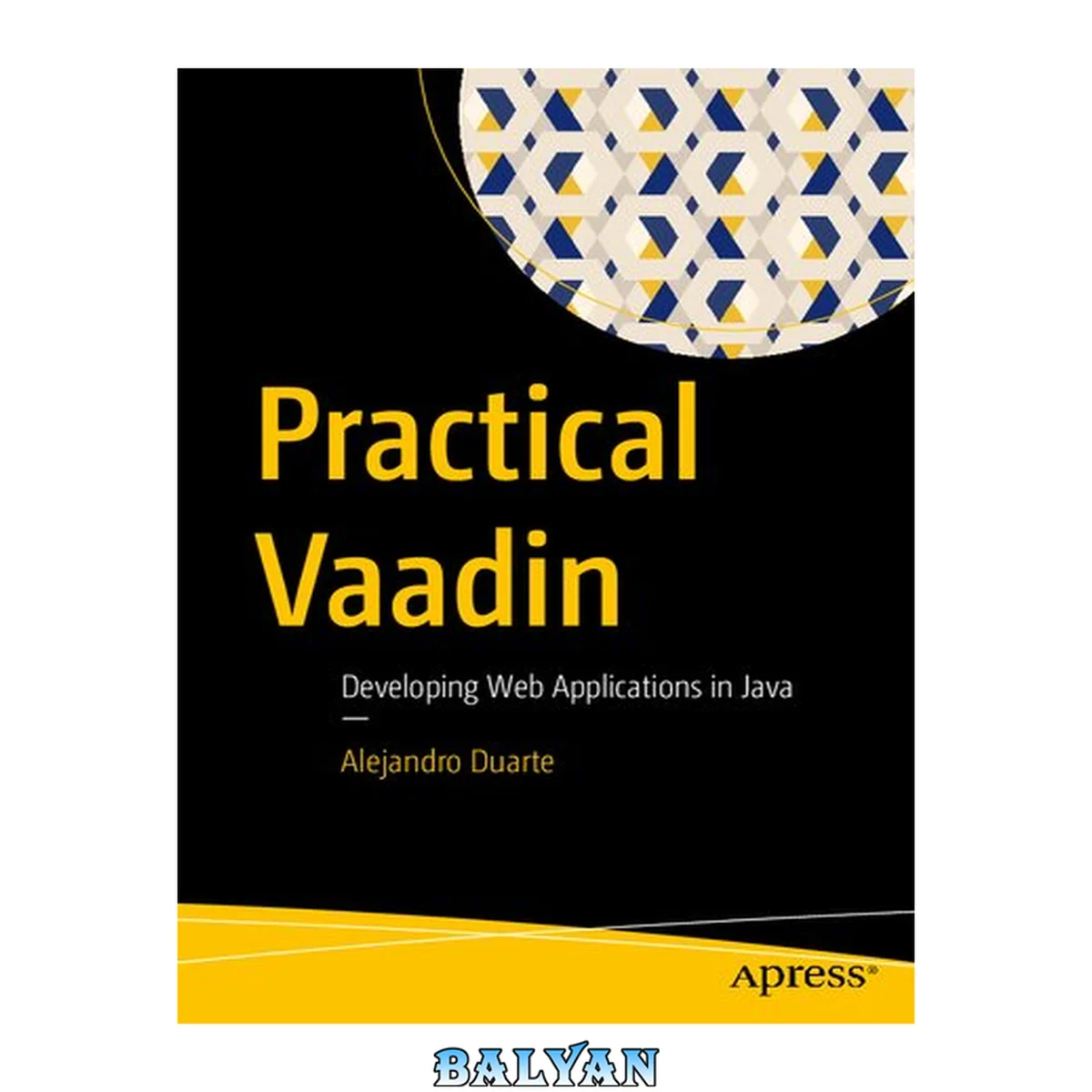
معرفی کتاب «Practical Vaadin : Developing Web Applications in Java» نوشتهٔ Dobelli، Rolf و Alejandro Duarte (auth.)، منتشرشده توسط نشر Apress : Imprint: Apress در سال 2021. این کتاب در فرمت pdf، زبان انگلیسی ارائه شده است.
Implement web applications in Java using the open-source Vaadin framework version 20 and later. This easy-to-follow book covers all the key concepts and steps to become competent with modern versions of Vaadin. The book covers everything from setting up the development environment to implementing advanced features such as Server Push and database connectivity. The book helps you become proficient in the Vaadin framework, prepare for Vaadin certifications, and shows you how to apply the power of the Java programming language in developing applications for the web. Author Alejandro Duarte starts with an introduction to web development and its key technologies. He then describes and demonstrates how Vaadin simplifies web development by allowing you to implement web graphical user interfaces using the Java programming language without having to code in JavaScript or HTML. Once a solid foundation on the key web and Vaadin concepts is established, Duarte digs deeper into explaining layouts and user interface components such as combo boxes, dialogs, upload fields, and data grids. He also covers topics such as styling with CSS, data binding, client-side views implementation with TypeScript, and integration with Spring Boot and Jakarta EE. What You Will Learn Build web applications in Java using Servlet technology and Vaadin Combine layouts and user interface components to create views in Java Connect values in UI components to Java objects in the server through data binding Customize display styles and add responsive capabilities using CSS Display tabular data using the Grid component Implement client-side views using TypeScript Integrate Vaadin applications with Spring Boot and Jakarta EE Connect Vaadin applications to SQL databases Who This Book Is For Developers with a basic or higher knowledge of Java programming who want to build on their Java skills to create web graphical user interfaces, Java developers who want to create web applications without having to code in JavaScript, and developers who are preparing to take and pass Vaadin certification exams Table of Contents About the Author About the Technical Reviewer Acknowledgments Introduction Part I: Getting Started Chapter 1: The World of Vaadin A CRUD in One Line of Code The Web platform HTML JavaScript and DOM CSS Web Components Server-Side Technologies Web Servers CGI Servlets Web Development with Vaadin Summary Chapter 2: Setting Up the Development Environment Installing the JDK Installing the IDE Using the Examples of This Book Importing the Code in the IDE Running the Examples Your First Vaadin Application Routes and Views UI Components and Layouts Events and Listeners Debugging Server-Side Debugging Client-Side Debugging Summary Part II: The Fundamentals of Vaadin Chapter 3: Layouts Vertical and Horizontal Layouts Component Composition The Composite Class Implementing Reusable UI Components Accessing the Component Tree Padding, Margin, and Spacing Sizing Grow Alignment Justify-Content Mode Scrolling FlexLayout Direction Wrap Alignment Shrink Other Layouts Summary Chapter 4: UI Components Input Components Text Input Password Input Boolean Input Date and Time Input Numeric Input Single Selection Input Multiple Selection Input File Upload Interaction Components Buttons How Are Events Sent to the Server? Links Menus Visualization Components Notifications and Dialogs Tabs Icons Images Summary Chapter 5: Data Binding Implementing Data Binding Manually Implementing the Domain Model Implementing the View Implementing the Form The Binder Helper Class Defining Bindings Programmatically Defining Bindings Using Property Names Using Automatic Binding Defining Bindings for Nested Properties Data Conversion and Validation Using Converters Implementing Validation Rules Using Jakarta Bean Validation Summary Chapter 6: The Grid Component Adding Columns Managing Columns by Key Defining Columns with ValueProvider Adding Rows In-Memory Data Lazy Loading Sorting Handling Row Selection Adding UI Components to Cells Component Columns Item Details Exporting to CSV Summary Part III: Advanced Features Chapter 7: Multiview Navigation and Routing Routes Defining Routes at Runtime Router Layouts Navigation Lifecycle Before Enter Observer Before Leave Observer URL Parameters URL Templates Typed Parameters Query Parameters Updating the Page Title Summary Chapter 8: Server Push When Is Server Push Used? How Server Push Works Performing Asynchronous UI Updates Automatic Server Push Updates Manual Server Push Updates Using Thread Pools WebSocket vs. Long Polling Summary Chapter 9: The Element API Creating DOM Elements Creating Custom Components Styling Mixin Interfaces Handling Events JavaScript Integration Adding JavaScript to a Vaadin Application Invoking JavaScript from Java Invoking Java from JavaScript Summary Chapter 10: Custom Styles and Responsiveness Built-In Themes Using Theme Variants Using Component Variants Styling with CSS Importing CSS Files Using Lumo Theme Properties Adding CSS Classes to UI Components Styling Shadow DOM Responsive Web Design FormLayout AppLayout CSS Media Queries Summary Chapter 11: Client-Side Views with TypeScript Vaadin Flow vs. Vaadin Fusion Quick Introduction to TypeScript Installing the TypeScript Compiler Implementing “Hello, World” in TypeScript Static Typing Web Components with Lit Creating a New Lit Project Creating a “Hello, World” Web Component Client-Side Views with Vaadin Fusion Enabling Client-Side Bootstrapping Adding a Client-Side View Adding Vaadin Components Event Listeners Reactive Views A Word on Offline Capabilities Summary Part IV: Integrations and Database Connectivity Chapter 12: Spring Boot Creating a New Spring Boot Project Creating a New Database Configuring the Database Connection Implementing an Entity Adding a Repository Inversion of Control and Dependency Injection Implementing a CRUD Summary Chapter 13: Jakarta EE Creating a New Jakarta EE Project Creating a New Database Configuring the Database Connection Implementing an Entity Adding a Repository Contexts and Dependency Injection Implementing a CRUD Summary Index Implement web applications in Java using the open-source Vaadin framework version 20 and later. This easy-to-follow book covers all the key concepts and steps to become competent with modern versions of Vaadin. The book covers everything from setting up the development environment to implementing advanced features such as Server Push and database connectivity. The book helps you become proficient in the Vaadin framework, prepare for Vaadin certifications, and shows you how to apply the power of the Java programming language in developing applications for the web. Author Alejandro Duarte starts with an introduction to web development and its key technologies. He then describes and demonstrates how Vaadin simplifies web development by allowing you to implement web graphical user interfaces using the Java programming language without having to code in JavaScript or HTML. Once a solid foundation on the key web and Vaadin concepts is established, Duarte digs deeper into explaining layouts and user interface components such as combo boxes, dialogs, upload fields, and data grids. He also covers topics such as styling with CSS, data binding, client-side views implementation with TypeScript, and integration with Spring Boot and Jakarta EE. You will learn to: Build web applications in Java using Servlet technology and Vaadin Combine layouts and user interface components to create views in Java Connect values in UI components to Java objects in the server through data binding Customize display styles and add responsive capabilities using CSS Display tabular data using the Grid component Implement client-side views using TypeScript Integrate Vaadin applications with Spring Boot and Jakarta EE Connect Vaadin applications to SQL databases
دانلود کتاب Practical Vaadin : Developing Web Applications in Java