Beginning Rust : From Novice to Professional
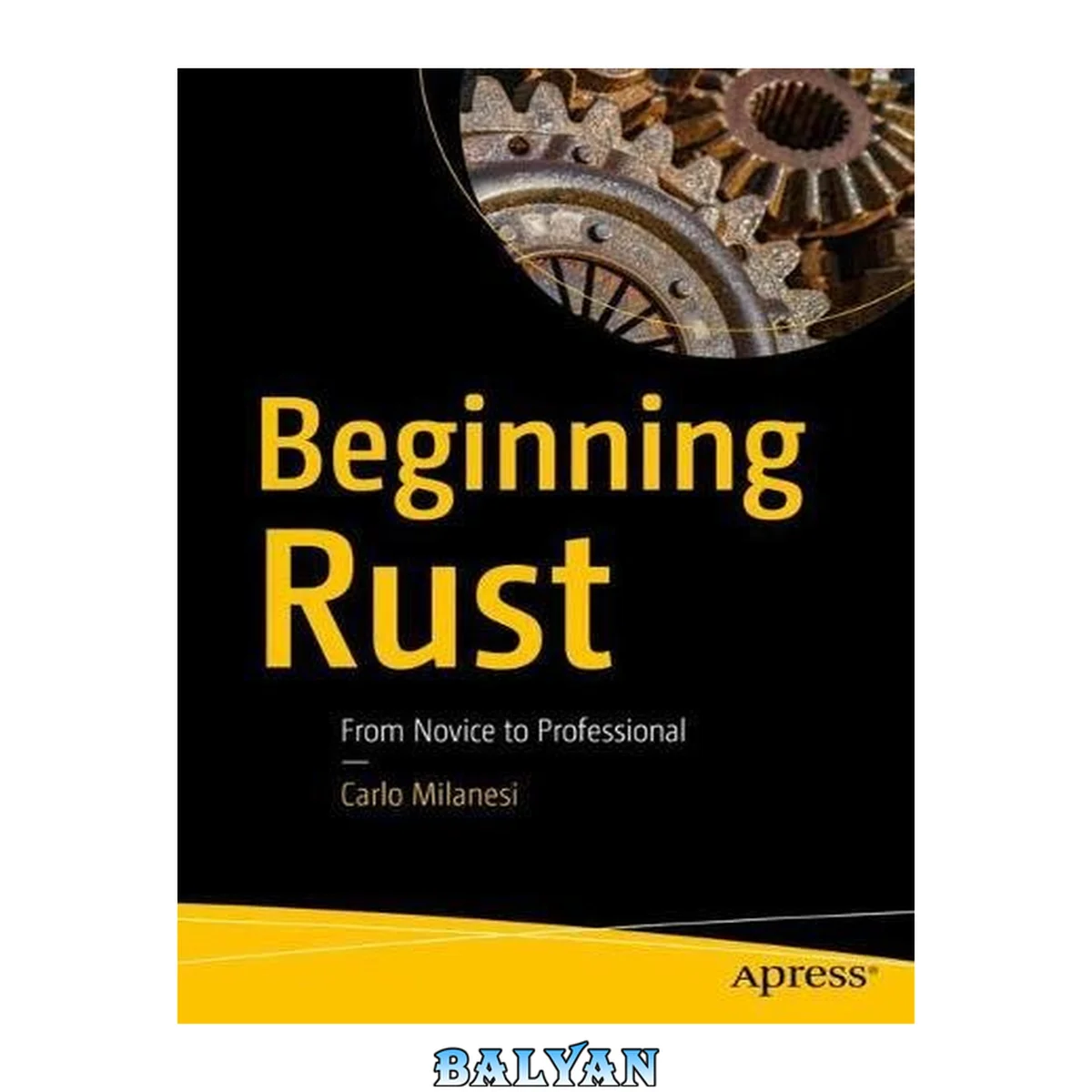
معرفی کتاب «Beginning Rust : From Novice to Professional» نوشتهٔ Miles، Cameron و Carlo Milanesi، منتشرشده توسط نشر Apress : Imprint: Apress در سال 2018. این کتاب در فرمت pdf، زبان انگلیسی ارائه شده است.
To run this program, complete the following actions:• Install the package containing the Rust compiler and its utilities.A compiler can be downloaded for free from the website https:// www.rust-lang.org. Linux, Windows, or macOS platforms, with processor architecture x86 (32-bit) or x86-64 (64-bit), are available. For each platform, there are three versions: "stable", "beta", and "nightly". The "stable" version is recommended; it is the oldest, but also the most tested and the one less likely to change. All of these program versions should be used from the command line of a console. After installation, to check which version is installed, type at a command line (with uppercase V): rustc -V.• Create or choose a folder where your Rust exercises will be stored and, using any text editor, create in that folder a file named "main.rs", having the above contents.• At a command line, in the folder, type: rustc main.rs. The prompt should be printed almost immediately, after having created a file named "main" (in a Windows environment, it will be named "main. exe"). Actually, the "rustc" command has correctly compiled the specified file. That is, it has read it and generated the corresponding machine code, and it has stored this machine code in a file in the same folder.• At the command line, if in a Windows environment, type: main For other operating systems, type: ./main. You just run the program generated before, but the prompt should be printed immediately, as this program does nothing. Hello, World! Let's see how to print some text on the terminal. Change the program of the previous section to the following:fn main() { print!("Hello, world!"); } Printing Integer Numbers If we want to print an integer number, we can type: print!("My number: 140"); or, using a placeholder and an additional argument: print!("My number: {}", "140"); or, removing the quotes around the second argument: print!("My number: {}", 140); All these statements will print: "My number: 140". In the last statement, the second argument is not a literal string, but it is a "literal integer number", or, for short, a "literal integer".The integers are another data type, with respect to strings. Even for integers, the print macro is able to use them to replace the corresponding placeholder inside its first argument.In fact, the compiler interprets the string 140 contained in the source code as a number expressed in decimal format, it generates the equivalent number in binary format, and then it saves it into the executable program.At runtime, the program takes such number in binary format, it transforms it into the string "140", using the decimal notation, then it replaces the placeholder with that string, so generating the string to print, and finally it sends the string to the terminal. This procedure explains, for example, why if the following program is written:print!("My number: {}", 000140);the compiler generates exactly the same executable program generated before. Actually, when the source string 000140 is converted to the binary format, the leading zeros are ignored.The argument types may be mixed too. This statement print!("{}: {}", "My number", 140);will print the same line as before. Here the first placeholder corresponds to a literal string, while the second one to a literal integer. Comments Write the following code // This program // prints a number. print!("{}", 34); // thirty-four /\* print!("{}", 80); \*/that will print 34.The first two lines start with a pair of slashes "//". Such a pair of characters indicates the start of a "line comment," ending at the end of the line. To write a comment on several lines, the pair of slashes must be repeated at every line of the comment, as in the second line of the program above.Rust programmers use to leave a blank just after the double slash, to improve readability.As it appears in the third line, a line comment may start after a statement, usually separated by at least one blank.There is another kind of comment, exemplified in the fourth and fifth lines. Such a comment starts with the character pair "/\*" and ends with the pair "\*/"; it may extend on several lines, and so it is named "multi-line comment."Rust programmers usually avoid the multi-line comment in production code, using only single line comments, and use multi-line comments only to exclude temporarily some code from compilation.Rust comments look identical to modern C language comments. In fact, there is an important difference between Rust comments and C comments: Rust comments may be nested, and they must be nested correctly.\* This is /\* a valid\*/ comment, even /\* if /\* it contains comments\*/ inside \*/itself. \*/ /\* This /\* instead is not allowed in Rust, while in C is tolerated (but it may generate a warning).\*/ Other Operations Between Integer Numbers All the integer arithmetic operators of C language can be used. For example: print!("{}", (23 -6) % 5 + 20 \* 30 / (3 + 4));This will print 87. Let's see why. Such a formula is evaluated by the Rust compiler exactly as the C compiler would. First, the operations in parentheses, 23 -6 and 3 + 4, are evaluated, obtaining, respectively, 17 and 7.At this point, our expression has become 17 % 5 + 20 \* 30 / 7. Then, the multiplication and division operations are evaluated, as they have precedence over addition and subtraction, and, for operations of the same precedence, they are evaluated in order from left to right. 17 % 5 is the "remainder of the integer division" operation, and it has 2 as a result, that is, the remainder of the operation 17 / 5. The expression 20 \* 30 is evaluated before the following division, as it is at its left.At this point, our expression has become 2 + 600 / 7. Associating Names to Values So far, we have seen three kinds of values: strings, integer numbers, and floating-point numbers.But values should not be confused with objects and variables. So, let's define what the words "value", "object", and "variable" actually mean.The word "value" indicates an abstract, mathematical concept. For example, when you say "the value 12" you mean the mathematical concept of the number 12. In mathematics, there is just one number 12 in the world. Even true or "Hello" are values that conceptually exist in one single instance in the universe, because they are concepts.But values may be stored in the memory of a computer. You can store the number 12 or the string "Hello" in several locations of the memory. So, you can have two distinct memory locations that both contain the 12 value. | | | help: remove this `mut` | = note: #[warn(unused\_mut)] on by defaultThe second line of the warning message indicates the portion of source code that caused the warning. It is the file main.rs, starting from column 9 of row 2. The next six lines of the message show such a line of code, underlying the relevant portion of code, and suggesting a correction.The last line indicates that there is a compilation directive that can be set to enable or to disable this specific kind of warning reports. As the warning indicates, the compiler's default behavior is to print warnings when some mutable variables are never changed. Uninitialized Variables So far, each time we declared a variable, we also initialized it in the same statement. Conversely, we are also allowed to declare a variable without initializing it in the same statement, like in the following program: let x = ["English", "This", "sentence", "a", "in", "is"]; print!("{} {} {} {} {} {}",x[1], x[5], x[3], x[2], x[4], x[0]); that will print: "This is a sentence in English."The first statement declares the x variable as an immutable object made of an array of six objects, all of string type, specified in the statement itself. Such a kind of objects is indeed named "array".Perhaps surprisingly, it will print: "-12 34464 1410065408". Such behavior is easily understandable only when thinking about the binary code that is used to represent the integer numbers. Learn to program with Rust in an easy, step-by-step manner on Unix, Linux shell, macOS and the Windows command line. As you read this book, you’ll build on the knowledge you gained in previous chapters and see what Rust has to offer. Beginning Rust starts with the basics of Rust, including how to name objects, control execution flow, and handle primitive types. You’ll see how to do arithmetic, allocate memory, use iterators, and handle input/output. Once you have mastered these core skills, you’ll work on handling errors and using the object-oriented features of Rust to build robust Rust applications in no time. Only a basic knowledge of programming is required, preferably in C or C . To understand this book, it's enough to know what integers and floating-point numbers are, and to distinguish identifiers from string literals. After reading this book, you'll be ready to build Rust applications. What You'll Learn Get started programming with Rust Understand heterogeneous data structures and data sequences Define functions, generic functions, structs, and more Work with closures, changeable strings, ranges and slices Use traits and learn about lifetimes Who This Book Is For Those who are new to Rust and who have at least some prior experience with programming in general: some C/C is recommended particularly. Learn to program with Rust in an easy, step-by-step manner on Unix, Linux shell, macOS and the Windows command line. As you read this book, you'll build on the knowledge you gained in previous chapters and see what Rust has to offer. Beginning Rust starts with the basics of Rust, including how to name objects, control execution flow, and handle primitive types. You'll see how to do arithmetic, allocate memory, use iterators, and handle input/output. Once you have mastered these core skills, you'll work on handling errors and using the object-oriented features of Rust to build robust Rust applications in no time. Only a basic knowledge of programming is required, preferably in C or C++. To understand this book, it's enough to know what integers and floating-point numbers are, and to distinguish identifiers from string literals. After reading this book, you'll be ready to build Rust applications. You will: Get started programming with Rust Understand heterogeneous data structures and data sequences Define functions, generic functions, structs, and more Work with closures, changeable strings, ranges and slices Use traits and learn about lifetimes Learn to progra with Rust in an easy, step-by-step manner on Unix, Linux shell, macOS and the Windows command line. As you read this book, you'll build on the knowledge you gained in previous chapters and see what Rust has to offer. "Beginning Rust" starts with the basics of Rust, including how to name objects, control execution flow, and handle primitive types. You'll see how to do arithmetic, allocate memory, use iterators, and handle input/output. Once you have masterred these core skills, you'll work on handling errors and using the object-oriented features of Rust to build robust Rust applicaions in no time. Only a basic knowledge of programming is required, preferably in C or C++. To understand this book, it's enough to know what integers and floating-point numbers are, and to distinguish identifiers from string literals. After reading this book, you'll be ready to build Rust applications. You will: get started programming with Rust ; Understand heterogeneous data structures and data sequences ; Work with closures, changeable strings, ranges and slices ; Use traist and learn about lifetimes
دانلود کتاب Beginning Rust : From Novice to Professional