Azure Data Factory by Example: Practical Implementation for Data Engineers - Second Edition
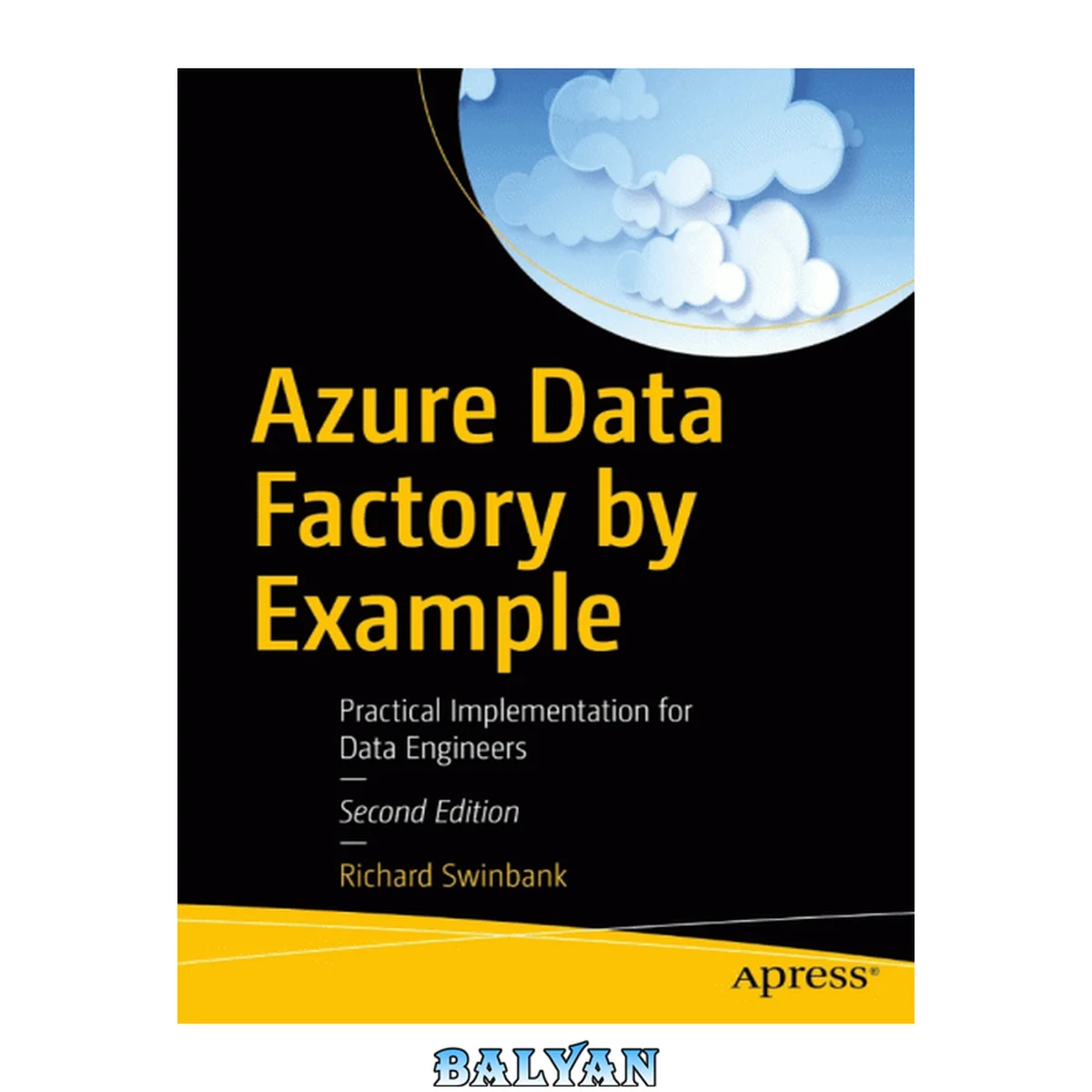
معرفی کتاب «Azure Data Factory by Example: Practical Implementation for Data Engineers - Second Edition» نوشتهٔ Dani Rodrik و Richard Swinbank، منتشرشده توسط نشر Apress L. P. در سال 2024. این کتاب در فرمت pdf، زبان انگلیسی ارائه شده است.
Table of Contents About the Author About the Technical Reviewer Acknowledgments Introduction Chapter 1: Creating an Azure Data Factory Instance Get Started in Azure Create a Free Azure Account Explore the Azure Portal Create a Resource Group Create an Azure Data Factory Explore Azure Data Factory Studio Navigation Header Bar Navigation Sidebar Link to a Git Repository Create a Git Repository in Azure Repos Link the Data Factory to the Git Repository ADF Studio As a Web-Based IDE Chapter Review Key Concepts For SSIS Developers Looking Ahead Chapter 2: Your First Pipeline Work with Azure Storage Create an Azure Storage Account Explore Azure Storage Upload Sample Data Use the Copy Data Tool Explore Your Pipeline Linked Services Datasets Pipelines Activities Integration Runtimes Factory Resources in Git Debug Your Pipeline Run the Pipeline in Debug Mode Inspect Execution Results Chapter Review Key Concepts For SSIS Developers Chapter 3: The Copy Activity Prepare an Azure SQL Database Create the Database Create Database Objects Import Structured Data into Azure SQL DB Create the Basic Pipeline Create the Database Linked Service and Dataset Create a DelimitedText File Dataset Create and Run the Pipeline Verify the Results Process Multiple Files Truncate Before Load Map Source and Sink Schemas Create a New Source Dataset Create a New Pipeline Configure Schema Mapping Import Semi-structured Data into Azure SQL DB Create a JSON File Dataset Create the Pipeline Configure Schema Mapping Set the Collection Reference The Effect of Schema Drift Understanding Type Conversion Transform JSON Files into Parquet Create a New JSON Dataset Create a Parquet Dataset Create and Run the Transformation Pipeline Performance Settings Data Integration Units Degree of Copy Parallelism Chapter Review Key Concepts Azure Data Factory Studio For SSIS Developers Chapter 4: Pipeline Expressions Explore the Pipeline Expression Builder Use System Variables Enable Storage of Audit Information Create a New Pipeline Add New Source Columns Run the Pipeline Access Activity Run Properties Create Database Objects Add Stored Procedure Activity Run the Pipeline Use the Lookup Activity Create Database Objects Configure the Lookup Activity Use Breakpoints Use the Lookup Value Update the Stored Procedure Activity Run the Pipeline User Variables Create a Variable Set a Variable Use the Variable Array Variables Concatenate Strings Infix Operators String Interpolation Escaping @ Chapter Review Key Concepts For SSIS Developers Chapter 5: Parameters Set Up an Azure Key Vault Create a Key Vault Grant Access to Key Vault Secrets Create a Key Vault Secret Create a Key Vault ADF Linked Service Create a New Storage Account Linked Service Use Dataset Parameters Create a Parameterized Dataset Use the Parameterized Dataset Reuse the Parameterized Dataset Use Linked Service Parameters Create a Parameterized Linked Service Increase Dataset Reusability Use the New Dataset Why Parameterize Linked Services? Use Pipeline Parameters Create a Parameterized Pipeline Run the Parameterized Pipeline Use the Execute Pipeline Activity Parallel Execution Use Pipeline Return Values Return a Value from a Pipeline Reference Pipeline Return Values Global Parameters Chapter Review Key Concepts For SSIS Developers Chapter 6: Controlling Flow Create a Per-File Pipeline Use Activity Dependency Conditions Explore Dependency Condition Interactions Understand the Skipped Condition Understand the Failed Condition Combine Conditions Create Dependencies on Multiple Activities Understand the Completion Condition Debugging Activities Subject to Dependency Conditions Understand Pipeline Outcome Raise Errors Use Conditional Activities Divert Error Rows Load Error Rows Create a New Sink Dataset Revise the Source Dataset Use the If Condition Activity Run the Pipeline Understand the Switch Activity Use Iteration Activities Use the Get Metadata Activity Use the ForEach Activity Ensure Parallelizability Understand the Until Activity Chapter Review Key Concepts For SSIS Developers Chapter 7: Data Flows Build a Data Flow Enable Data Flow Debugging Add a Data Flow Transformation Use the Filter Transformation Use the Lookup Transformation Add a Lookup Data Stream Add the Lookup Transformation Use the Derived Column Transformation Use the Select Transformation Use the Sink Transformation Execute the Data Flow Create a Pipeline to Execute the Data Flow Inspect Execution Output Persist Loaded Data and Log Completion Maintain a Product Dimension Create a Dimension Table Create Supporting Datasets Build the Product Maintenance Data Flow Use Locals Use the Aggregate Transformation Use the Exists Transformation Execute the Dimension Data Flow Reuse Data Flow Logic Create a User-Defined Function Create a Data Flow Library and Function Use the Data Flow Function Inspect the Data Flow Library Create a Data Flow Flowlet Build a Flowlet Use the Flowlet Chapter Review Key Concepts For SSIS Developers Chapter 8: Integration Runtimes Inspect the AutoResolveIntegrationRuntime Use Custom Azure Integration Runtimes Control the Geography of Data Movement Identify the Integration Runtime’s Auto-Resolved Region Create a Region-Specific Azure IR Configure the Copy Activity’s Integration Runtime Create Secure Network Connections to Data Stores Disable Public Network Access to a Storage Account Create an Azure Integration Runtime in a Managed Virtual Network Register the Microsoft.Network Resource Provider Create a Managed Private Endpoint Update Blob Storage Linked Service Copy Data Securely Restore Public Network Access Data Flow Cluster Properties Self-Hosted Integration Runtime Create a Shared Data Factory Create a Self-Hosted Integration Runtime Link to a Self-Hosted Integration Runtime Use the Self-Hosted Integration Runtime Enable Access to Your Local File System Create a Linked Service Using the Shared Self-Hosted IR Create a File System Dataset Copy Data Using the File System Dataset Azure-SSIS Integration Runtime Create an Azure-SSIS Integration Runtime Deploy SSIS Packages to the Azure-SSIS IR Run an SSIS Package in ADF Stop the Azure-SSIS IR Managed Airflow in Azure Data Factory Chapter Review Key Concepts For SSIS Developers Chapter 9: Power Query in ADF Create a Power Query Mashup Explore the Power Query Editor Wrangle Data Run the Power Query Activity Chapter Review Key Concepts Chapter 10: Publishing to ADF Publish to Your Factory Instance Trigger a Pipeline from ADF Studio Publish Factory Resources Inspect Published Pipeline Run Outcome Publish to Another Data Factory Prepare a Production Environment Create the Production Factory Grant Access to the Self-Hosted Integration Runtime Export an ARM Template from Your Development Factory Import an ARM Template into Your Production Factory Understand Deployment Parameters Automate Publishing to Another Factory Create a DevOps Service Connection Create an Azure DevOps Pipeline Create a YAML Pipeline File Create an Azure DevOps Pipeline Using the YAML File Add the Factory Deployment Task Trigger an Automatic Deployment Feature Branch Workflow Azure Data Factory Utilities Publish Resources As JSON Deploy ADF Pipelines Using PowerShell Resource Dependencies Chapter Review Chapter 11: Triggers Time-Based Triggers Use a Schedule Trigger Create a Schedule Trigger Reuse a Trigger Inspect Trigger Definitions Publish the Trigger Monitor Trigger Runs Stop the Trigger Advanced Recurrence Options Use a Tumbling Window Trigger Prepare Data Create a Windowed Copy Pipeline Create a Tumbling Window Trigger Monitor Trigger Runs Advanced Features Event-Based Triggers Register the Event Grid Resource Provider Use a Storage Event Trigger Create a Storage Event Trigger Cause the Trigger to Run About Trigger-Scoped System Variables Understand Custom Event Triggers Triggering Pipelines from Outside ADF Managing Triggers in Automated Deployments Chapter Review Key Concepts For SSIS Developers Chapter 12: Monitoring Generate Factory Activity Inspect Factory Logs Inspect Trigger Runs Inspect Pipeline Runs Add Metadata to the Log Add a Pipeline Annotation Add an Activity User Property Inspect Pipeline Annotations in the Log Inspect User Properties in the Log Inspect Factory Metrics Export Logs and Metrics Create a Log Analytics Workspace Configure Diagnostic Settings Inspect Logs in Blob Storage Alternative Diagnostic Settings Destinations Use the Log Analytics Workspace Receive Alerts Configure Metric-Based Alerts Configure Log-Based Alerts Stop ADF Triggers and Disable Alert Rules Chapter Review Key Concepts For SSIS Developers Chapter 13: Tools and Other Services Azure Data Factory Tools Prepare a Source Database Metadata-Driven Data Copy Generate Data Copy Objects Run the Extract Pipeline Inspect the Control Table Change Data Capture Create a Change Data Capture Resource Monitor Change Data Capture Related Services Azure Synapse Analytics Microsoft Fabric Chapter Review Key Concepts For SSIS Developers Index df-Capture.PNG Data engineers who need to hit the ground running will use this book to build skills in Azure Data Factory v2 (ADF). The tutorial-first approach to ADF taken in this book gets you working from the first chapter, explaining key ideas naturally as you encounter them. From creating your first data factory to building complex, metadata-driven nested pipelines, the book guides you through essential concepts in Microsoft’s cloud-based ETL/ELT platform. It introduces components indispensable for the movement and transformation of data in the cloud. Then it demonstrates the tools necessary to orchestrate, monitor, and manage those components. This edition, updated for 2024, includes the latest developments to the Azure Data Factory service: Enhancements to existing pipeline activities such as Execute Pipeline, along with the introduction of new activities such as Script, and activities designed specifically to interact with Azure Synapse Analytics. Improvements to flow control provided by activity deactivation and the Fail activity. The introduction of reusable data flow components such as user-defined functions and flowlets. Extensions to integration runtime capabilities including Managed VNet support. The ability to trigger pipelines in response to custom events. Tools for implementing boilerplate processes such as change data capture and metadata-driven data copying. What You Will Learn Create pipelines, activities, datasets, and linked services Build reusable components using variables, parameters, and expressions Move data into and around Azure services automatically Transform data natively using ADF data flows and Power Query data wrangling Master flow-of-control and triggers for tightly orchestrated pipeline execution Publish and monitor pipelines easily and with confidence Who This Book Is For Data engineers and ETL developers taking their first steps in Azure Data Factory, SQL Server Integration Services users making the transition toward doing ETL in Microsoft’s Azure cloud, and SQL Server database administrators involved in data warehousing and ETL operations
دانلود کتاب Azure Data Factory by Example: Practical Implementation for Data Engineers - Second Edition