Adobe Premiere Pro 2020 release : classroom in a book, the official training workbook from Adobe
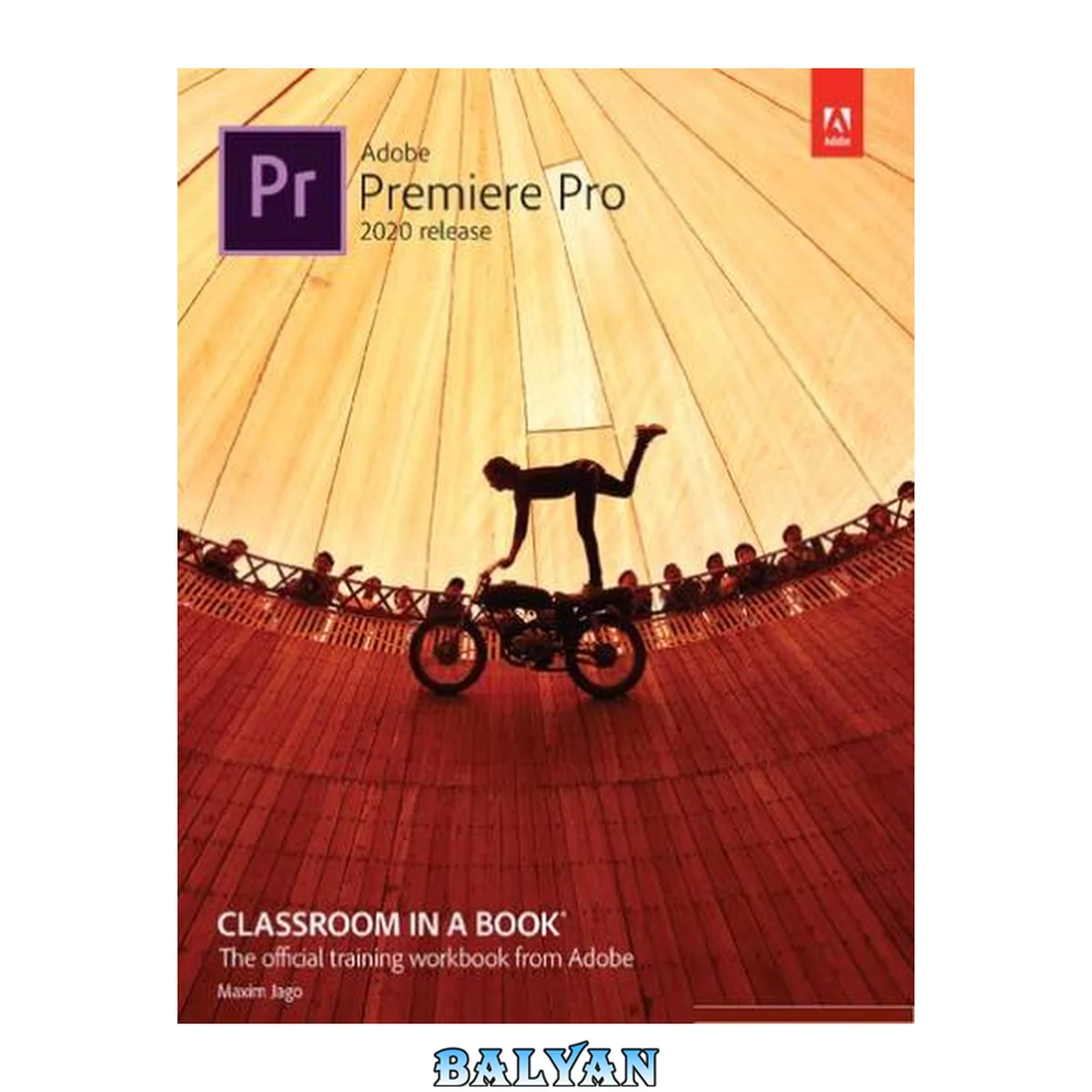
معرفی کتاب «Adobe Premiere Pro 2020 release : classroom in a book, the official training workbook from Adobe» نوشتهٔ Paladin Press و Jago, Maxim، منتشرشده توسط نشر AdobePress;Adobe Press در سال 2020. این کتاب در فرمت pdf، زبان انگلیسی ارائه شده است.
Creative professionals seeking the fastest, easiest, most comprehensive way to learn Adobe Premiere Pro choose Adobe Premiere Pro Classroom in a Book (2020 release) from Adobe Press. The 17 project-based lessons in this book show students step-by-step the key techniques for working in Premiere Pro. Students learn skills to take a project from beginning to end, including the basics on things like organizing media, using audio, creating transitions, producing titles, and adding effects. Once they have the basics down, they'll learn how to take their projects further by sweetening and mixing audio, compositing layered footage, adjusting color, customizing motion graphics, exporting files, and much more. The companion DVD (also available as an online download) includes lesson files so students can work step-by-step along with the book. All buyers of the book also get full access to the Web Edition: a Web-based version of the complete eBook enhanced with video and multiple-choice quizzes. Cover 1 Title Page 2 Copyright Page 3 What's on the Disc 4 Acknowledgments 5 Contents 6 Getting Started 12 About Classroom in a Book 12 Prerequisites 12 Installing Premiere Pro 13 Optimizing performance 13 Using the lesson files 14 Relinking the lesson files 14 How to use these lessons 15 Online content 16 Additional resources 17 Adobe Authorized Training Centers 18 1 Touring Adobe Premiere PRO 19 Starting the lesson 21 Performing nonlinear editing in Premiere Pro 21 Expanding the workflow 25 Touring the Premiere Pro interface 26 Hands on: Edit your first video 29 Using and setting keyboard shortcuts 38 Review questions 41 Review answers 42 2 Setting Up a Project 43 Starting the lesson 45 Creating a project 46 Setting up a sequence 48 Explore the Project Settings 54 Review questions 65 Review answers 66 3 Importing Media 67 Starting the lesson 69 Importing media files 69 Working with ingest options and proxy media 72 Working with the Media Browser panel 74 Importing still image files 78 Using Adobe Stock 84 Customizing the media cache 85 Recording a voice-over 86 Review questions 88 Review answers 88 4 Organizing Media 89 Starting the lesson 91 Using the Project panel 91 Working with bins 97 Reviewing footage 106 Freeform view 112 Modifying clips 114 Review questions 119 Review answers 120 5 Mastering The Essentials of Video Editing 121 Starting the lesson 123 Using the Source Monitor 123 Navigating the Timeline panel 130 Using essential editing commands 139 Performing storyboard-style editing 143 Review questions 147 Review answers 148 6 Working With Clips and Markers 149 Starting the lesson 151 Using the Program Monitor controls 152 Setting the playback resolution 157 Playing back VR video 160 Using markers 163 Using Sync Lock and Track Lock 167 Finding gaps in the sequence 169 Selecting clips 170 Moving clips 173 Extracting and deleting segments 176 Review questions 179 Review answers 180 7 Adding Transitions 181 Starting the lesson 183 What are transitions? 183 Using handles 185 Adding video transitions 187 Using A/B mode to fine-tune a transition 193 Adding audio transitions 198 Review questions 201 Review answers 202 8 Mastering Advanced Editing Techniques 203 Starting the lesson 205 Performing a four-point edit 205 Changing clip playback speed 207 Replacing clips and media 213 Nesting sequences 217 Performing regular trimming 218 Performing advanced trimming 220 Trimming in the Program Monitor 225 Review questions 231 Review answers 232 9 Putting Clips in Motion 233 Starting the lesson 235 Adjusting the Motion effect 235 Changing clip position, size, and rotation 240 Working with keyframe interpolation 249 Applying the Auto Reframe effect 252 Adding a drop shadow 255 Review questions 258 Review answers 258 10 Editing and Mixing Audio 259 Starting the lesson 261 Setting up the interface to work with audio 262 Examining audio characteristics 271 Recording a voice-over track 272 Adjusting audio volume 273 Auto-duck music 279 Creating a split edit 280 Adjusting audio levels for a clip 282 Review questions 287 Review answers 288 11 Improving Audio 289 Starting the lesson 291 Improving audio with the Essential Sound panel 291 Adjusting dialogue audio 292 Review questions 314 Review answers 314 12 Adding Video Effects 315 Starting the lesson 317 Working with visual effects 317 Applying master clip effects 329 Masking and tracking visual effects 332 Keyframing effects 334 Using effect presets 339 Exploring frequently used effects 343 Using the Render and Replace command 349 Review questions 350 Review answers 350 13 Applying Color Correction and Grading 351 Starting the lesson 353 Understanding display color management 354 Following the color adjustment workflow 355 Using Comparison view 370 Matching colors 373 Exploring the color-adjustment effects 374 Fixing exposure problems 377 Correcting color offset 381 Using special color effects 387 Creating a distinctive look 388 Review questions 390 Review answers 390 14 Exploring Compositing Techniques 391 Starting the lesson 393 What is an alpha channel? 394 Making compositing part of your project 396 Working with the Opacity effect 398 Adjusting alpha channel transparencies 401 Color keying a greenscreen shot 403 Partially masking clips 408 Review questions 412 Review answers 412 15 Creating New Graphics 413 Starting the lesson 415 Exploring the Essential Graphics panel 415 Mastering video typography essentials 420 Creating new titles 427 Text styles 431 Working with shapes and logos 435 Making a title roll 440 Working with motion graphics templates 441 Adding captions 443 Review questions 448 Review answers 448 16 Exporting Frames, Clips, and Sequences 449 Starting the lesson 451 Understanding the media export options 451 Exporting single frames 452 Exporting a master copy 453 Working with Adobe Media Encoder 459 Uploading to social media 465 Exchanging with other editing applications 465 Final practice 467 Review questions 469 Review answers 469 Index 470 A 470 B 471 C 471 D 472 E 472 F 473 G 473 H 473 I 473 J 474 K 474 L 474 M 474 N 475 O 475 P 475 Q 476 R 476 S 476 T 477 U 477 V 477 W 478 X 478 Y 478 Z 478 Glossary 479 A 479 B 479 C 479 E 479 F 480 K 480 I 480 M 480 P 480 S 480 T 481 17 Managing Your Projects 482 "Creative professionals seeking the fastest, easiest, most comprehensive way to learn Adobe Premiere Pro choose Adobe Premiere Pro Classroom in a Book (2020 release) from Adobe Press. The 17 project-based lessons in this book show students step-by-step the key techniques for working in Premiere Pro. Students learn skills to take a project from beginning to end, including the basics on things like organizing media, using audio, creating transitions, producing titles, and adding effects. Once they have the basics down, they'll learn how to take their projects further by sweetening and mixing audio, compositing layered footage, adjusting color, customizing motion graphics, exporting files, and much more. The companion DVD (also available as an online download) includes lesson files so students can work step-by-step along with the book. All buyers of the book also get full access to the Web Edition: a Web-based version of the complete eBook enhanced with video and multiple-choice quizzes." -- Provided by publisher Creative professionals seeking the fastest, easiest, most comprehensive way to learn Adobe Premiere Pro choose **__Adobe Premiere Pro Classroom in a Book (2020 release)__** from Adobe Press. The 17 project-based lessons in this book show students step-by-step the key techniques for working in Premiere Pro. Students learn skills to take a project from beginning to end, including the basics on things like organizing media, using audio, creating transitions, producing titles, and adding effects. Once they have the basics down, they'll learn how to take their projects further by sweetening and mixing audio, compositing layered footage, adjusting color, customizing motion graphics, exporting files, and much more.The companion DVD (also available as an online download) includes lesson files so students can work step-by-step along with the book. All buyers of the book also get full access to the Web Edition: a Web-based version of the complete eBook enhanced with video and multiple-choice quizzes.
دانلود کتاب Adobe Premiere Pro 2020 release : classroom in a book, the official training workbook from Adobe